
Overview
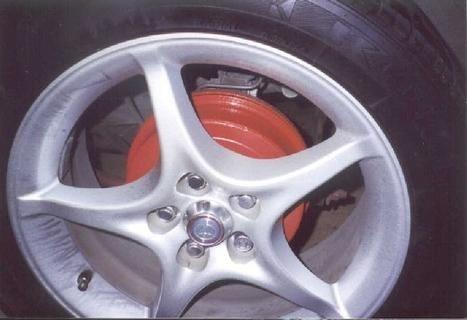
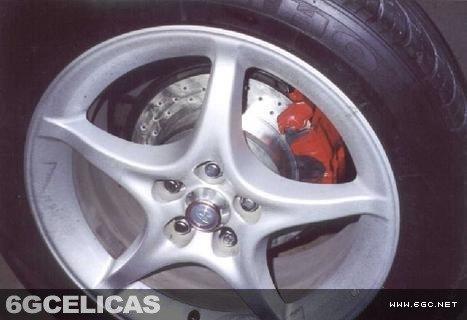
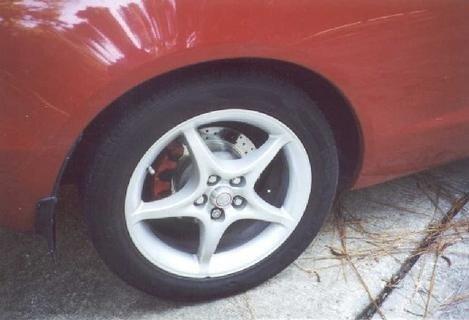
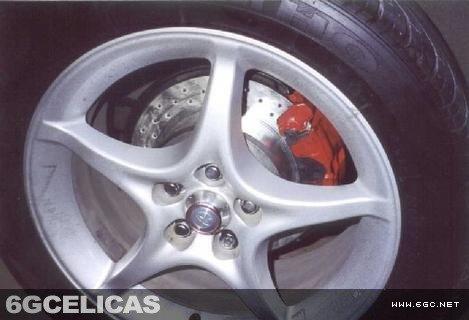
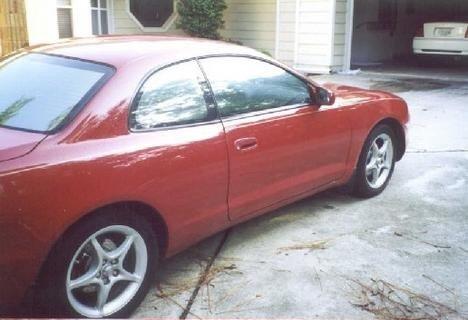
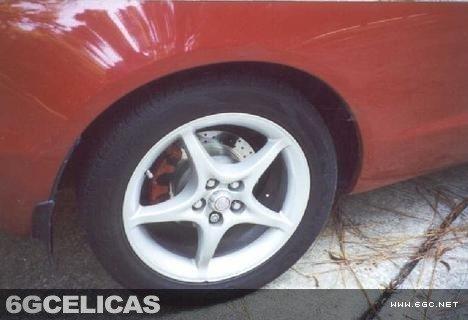
Converting rear drum brakes to disc brakes significantly improves stopping power and performance. This guide covers the complete conversion process using parts from a 6th generation Celica GT.
🕒 Time Required: 4-6 hours
💰 Cost Range: $300-500 (per side)
⚠️ Critical Information
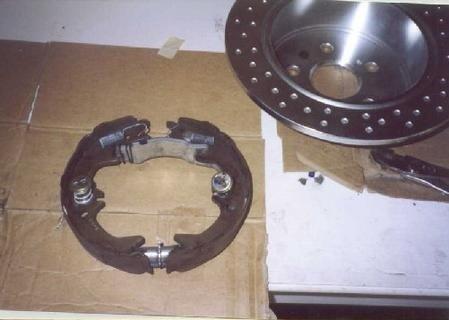
Parking Brake System: 6th gen GT disc brakes use an internal drum brake for parking, not the caliper. This is important for proper functionality.
Compatibility Warning: 5th generation GT rotors will NOT fit 6th generation hubs due to different center bore sizes.
ABS Note: Use non-ABS components for best results. ABS calipers may work but are not guaranteed.
Required Parts (Per Side)
Brake Components
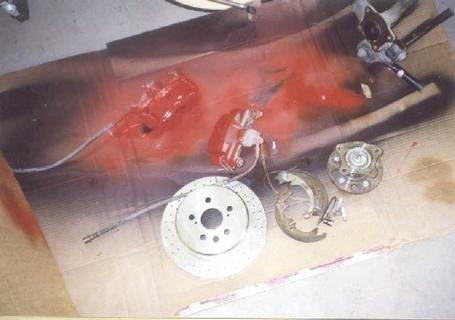
- Rear caliper (6th gen, non-ABS preferred)
- Brake rotor (6th gen GT)
- Brake pads
Mounting Hardware
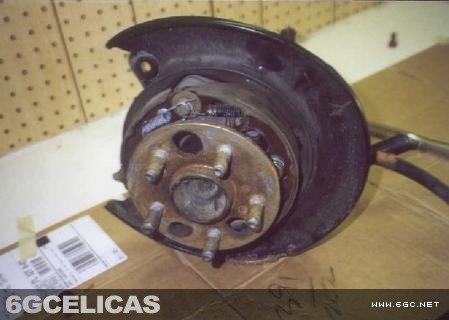
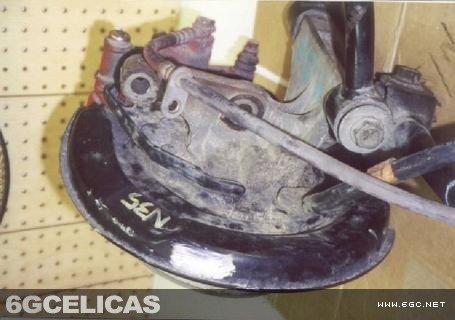
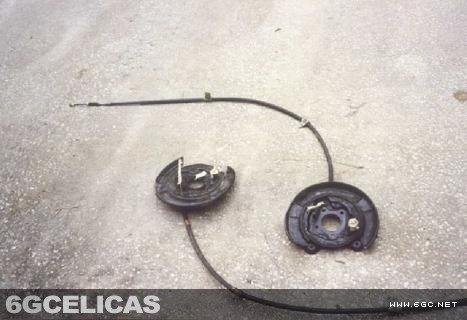
- Backplate with internal brake components
- Parking brake cable (6th gen GT)
- New rubber seal/gasket
Step 1: Vehicle Preparation
Loosen wheel bolts, jack up the rear of the vehicle, and support with jack stands. Remove wheels completely. Ensure the vehicle is properly supported before proceeding.
Step 2: Remove Drum Brake Assembly
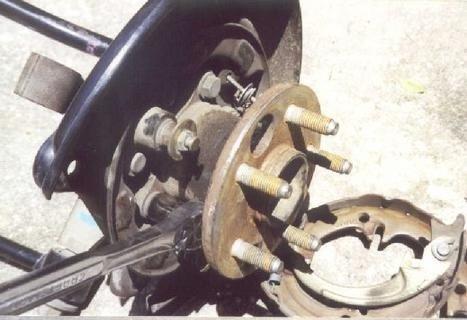
Remove the drum brake casing by pulling it straight off - no bolts hold it in place. Use a hammer or pry bar if needed, pulling evenly around the drum. Some drums have threaded holes where you can install bolts to force them off gradually.
Step 3: Prepare for Spindle Removal
Loosen (but don't remove) the four 14mm bolts holding the spindle. These will be fully removed in the next step after disconnecting brake lines.
Step 4: Disconnect Brake Lines
Remove the brake line connection (10mm fitting) where it attaches to the steel line in the wheel well. Be very careful not to damage this connection. Also remove the 12mm bolt securing the rubber brake line above the drum brake.
Step 5: Remove Spindle and Backplate
Now remove the spindle and drum brake backplate assembly. Save the small rubber seal or purchase a new one from the dealer - they're inexpensive but critical for proper sealing.
Step 6: Install GT Disc Brake Components
Install the GT backplate, ensure the rubber gasket is properly seated, then slide the spindle into place. Tighten the four 14mm bolts in a star pattern (like wheel lugs). Connect the GT parking brake cable to the backplate using the two 10mm bolts.
Step 7: Install Rotor and Caliper
Slide the rotor into place - it will be held by the wheel when installed. Mount the caliper with the two 14mm bolts that attach to the backplate. Reconnect brake lines using the same routing as the original drum setup.
Step 8: Connect Parking Brake System
Route the new parking brake cables following the original path. You may need to remove part of the exhaust system to connect to the main cable that runs to the parking brake handle. All connections should work without additional parts.
Step 9: Final Assembly and Testing
Double-check all connections and tighten all bolts to specification. Bleed the brake system starting with the right rear (furthest from master cylinder) and working toward the front left. Install wheels, lower the vehicle, and test brakes at low speed before normal driving.
Additional Photos
🔧 Final Checklist & Safety
Before Driving
- All bolts tightened to spec
- Brake system properly bled
- No leaks in brake lines
- Parking brake functions correctly
Break-in Period
- Drive cautiously for first 200 miles
- Avoid hard braking initially
- Check for unusual noises or vibration
- Re-check brake fluid level after first drive